Most small business owners spend money, time or both on marketing without being sure what works. Social posts, a Google Business Profile, a newsletter, a few ads, a listing in a local directory: customers do arrive, but it is hard to say where they came from. Without that knowledge, it is easy to keep doing what feels productive while neglecting what actually brings in work.
You do not need complicated software to improve this. A handful of simple habits will give you a much clearer picture of which efforts lead to enquiries and customers. This guide starts with the easiest steps and builds from there.
Start by deciding what counts as an enquiry
Before tracking anything, decide what you want to count. For most small businesses, an enquiry is a phone call, a form submission, an email, a booking request or a visit to your shop. Write down the actions that matter to your business, because those will become the things you track. Visits to a page matter less than actions that could lead to a sale. Our guide to Google Analytics basics for small businesses explains how analytics tools record these actions.
The simplest method: just ask
The most reliable, lowest-cost tracking method is a question: "How did you hear about us?" Add it to your contact form as an optional dropdown or short text field, ask it when someone phones, and ask it at the till or when you send a quote. Offer clear choices, such as Google search, Google Maps, Facebook or Instagram, a friend or family member, a local directory, a flyer or sign, and "other".
Customer answers will not be perfectly precise, because people do not always remember, and someone who saw your Instagram post and then searched for you on Google may say either. But patterns still emerge over a few months, and customers often tell you things no tool could. Record the answers in a simple spreadsheet or in your booking system.
Set up Google Analytics to count actions
If your website has Google Analytics installed, you can mark important actions, such as form submissions or clicks on a phone number, as key events. This lets you see not just how many people visited your site, but how many took the action you wanted, and which sources they came from. Compare channels by enquiries, not just visits. A source that sends fewer people but more enquiries is usually worth more attention.
Ask whoever manages your website to confirm that your contact form and phone number clicks are being recorded. It is also worth checking that the confirmation or thank-you page shown after a form is submitted can be used to count completed enquiries.
Use tagged links to tell sources apart
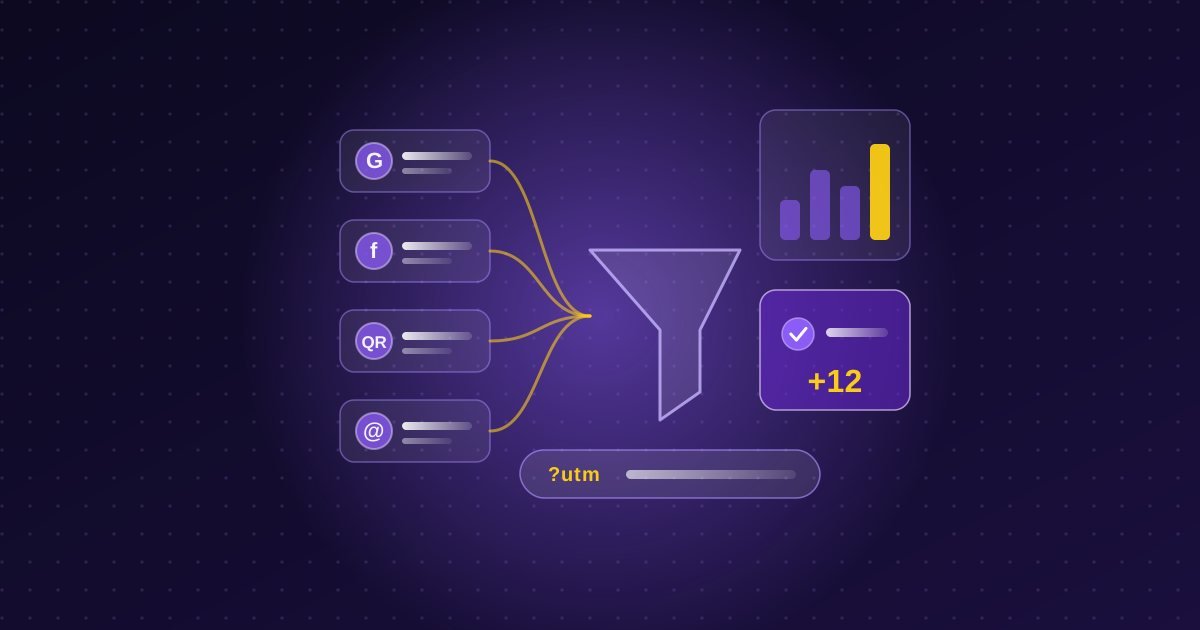
Some visits are hard to separate. A link in your email newsletter, a link in your Instagram bio and a link on a flyer's QR code may all lead to the same page. UTM parameters solve this. They are short labels added to the end of a web address, such as a source, a medium and a campaign name, which analytics tools read to show where the visit came from. For example, you might label a newsletter link with the source "newsletter" and a campaign name for that month.
Google provides a free campaign URL builder to create tagged links. Keep your naming consistent, using lowercase and the same spelling every time, because "Newsletter" and "newsletter" can be recorded as different sources. Use tagged links for things you control, such as emails, QR codes, paid ads and links in social profiles, but do not add them to links between pages within your own website, since that can confuse your reports.
Use a dedicated QR code or phone number for print
Offline marketing is harder to measure, but you can still do it. For a flyer, poster or print advertisement, create a QR code that leads to a tagged link, or to a dedicated page such as a simple landing page with an offer. Seeing visits to that address tells you how many people responded. Some businesses also use a separate phone number for a specific campaign. If you do, make sure it is set up properly and that you keep the number accurate wherever it appears. Our guide to business cards and print design covers the printed side.
Check what your free platforms already tell you
Several tools you may already use provide useful numbers without any setup:
- Google Business Profile: shows how people found your listing and how many called, requested directions or visited your website. See our guide to setting up your Google Business Profile.
- Google Search Console: shows which search phrases bring people to your site and how often they click. Our beginner's guide shows where to look.
- Facebook and Instagram insights: show how posts perform, though a high number of likes does not always lead to enquiries.
- Email platforms: show how many people opened and clicked a newsletter, which pairs well with tagged links.
Consider call tracking carefully
For businesses that depend on phone calls, such as trades, clinics and professional services, calls can be the main kind of enquiry. Call tracking services use different phone numbers to show which source a call came from. They can be helpful but add cost and complexity, and they can create problems for your local listings if your numbers are not consistent, which we discuss in our guide to local citations and NAP consistency. Many small businesses are better served by asking callers how they heard about you, and by using the call counts in their Google Business Profile.
Respect privacy and consent
Tracking involves personal information, so handle it with care. Your website should explain what is collected and why, and you should follow Canadian privacy rules about consent for cookies and tracking where they apply. Never record calls without telling callers, and keep customer details secure. Our overview of website privacy policies in Canada is a useful starting point, and a professional can advise on your specific situation.
Review it monthly and keep it simple
Set aside half an hour each month. Count your enquiries by source, note which ones turned into customers, and compare that to what you spent on each channel. Look for changes rather than perfect numbers. If one channel consistently brings in enquiries that become customers, consider giving it more attention. If another brings in a lot of attention but no work, rethink it. Our post on how much a small business should spend on marketing can help you decide how to divide your budget as you learn.
If you would like help setting up simple tracking so you can see what is working, you are welcome to get in touch for a free conversation.